
Creating a Product in Studio
A Product defines what you sell and who you want to reach. Valley uses the Product's saved ICP, value props, and proof points to score prospects and generate better outreach.
How to create a Product
Go to Studio and open the Products tab
Click Create Product or Add New Product
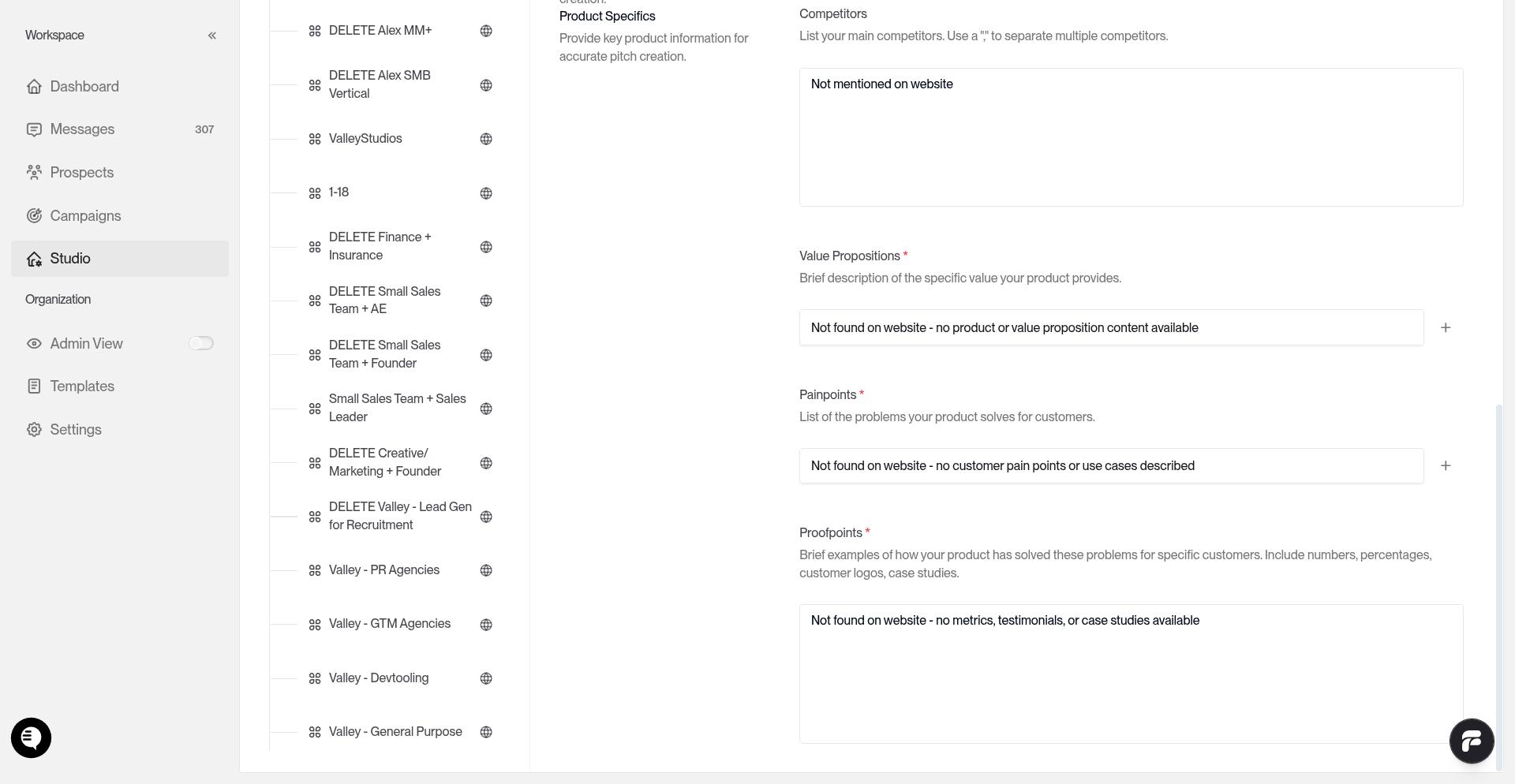
Fill in the Product fields
Add your booking link
Define the ICP for this Product
Review everything for clarity
Click SAVE
Products do not auto-save. Click SAVE before you leave the editor.
Field guide
Product name
Use a clear internal name your team can recognize in campaigns.
Company description
Write 2-3 sentences that explain what your company does.
Value props
Use specific outcomes, metrics, and buyer-facing value.
Pain points
List the main problems your ideal customer is trying to solve.
Proof points
Add customer results, metrics, and social proof.
Booking link
Add the scheduling link prospects should see in meeting CTAs.
If teammates share Products, each rep should duplicate the shared Product and replace the booking link with their own calendar.
Define the saved ICP
Valley automatically generates ICP for you in a format that helps in the most accurate scoring.
Include these elements in the saved ICP:
Geography - allowed countries or regions and any excluded geos
Company size - employee bands or thresholds
Role and title - target titles, seniority, and departments
Keywords and must-haves - industry, product, tech, or intent signals that should be present
Disqualifiers - explicit no-go rules
If a prospect's country is known and outside your allowed geos, or in an excluded geo, Valley now sets that prospect to Low immediately. If country is unknown or ambiguous, Valley scores normally.
How scoring uses the saved ICP
After you save the Product, Valley compares each prospect against that saved ICP. It stores an overall fit, a breakdown of company fit, title fit, keyword matches, disqualifiers, and a short justification.
When you regenerate or rescore an ICP, prospects may temporarily show REGENERATING.
After saving
Use this Product when you create campaigns, warm lists, or imports. If you change the ICP later, expect score shifts, especially when geo rules or exclusions are narrow.
For imported list campaigns, remove low-fit prospects after scoring. See ICP Scoring and Managing Prospects.
Common mistakes
Too generic. Vague Product and ICP descriptions give Valley weak scoring signals.
Missing exclusions. If some regions, titles, or company types are hard no's, write them explicitly.
Geo rules too narrow. Tight country filters can move more prospects to Low than expected.
Forgetting to save. Scoring only uses the saved ICP.