
Manage Sales-Led Seats
Sales-led seats are manually managed seats that sync to billing within 24 hours. Use this workflow when you have a sales-negotiated plan and need to add team members outside the self-serve upgrade flow.
Before you begin: You'll need admin access and a sales-led plan. Self-serve plans should use the standard seat management flow.
Navigate to Billing
Open Settings from the left sidebar, then click the Billing tab.
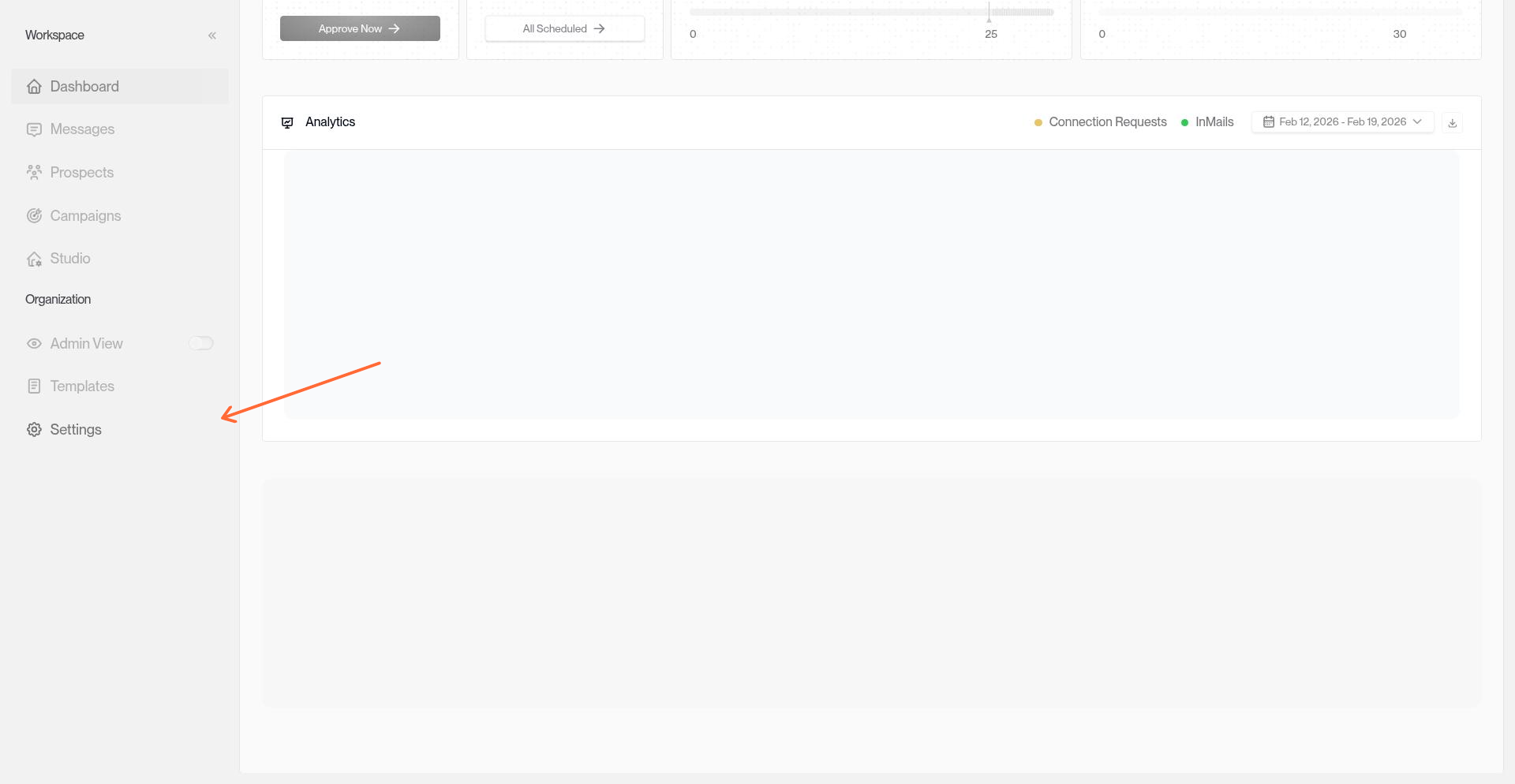
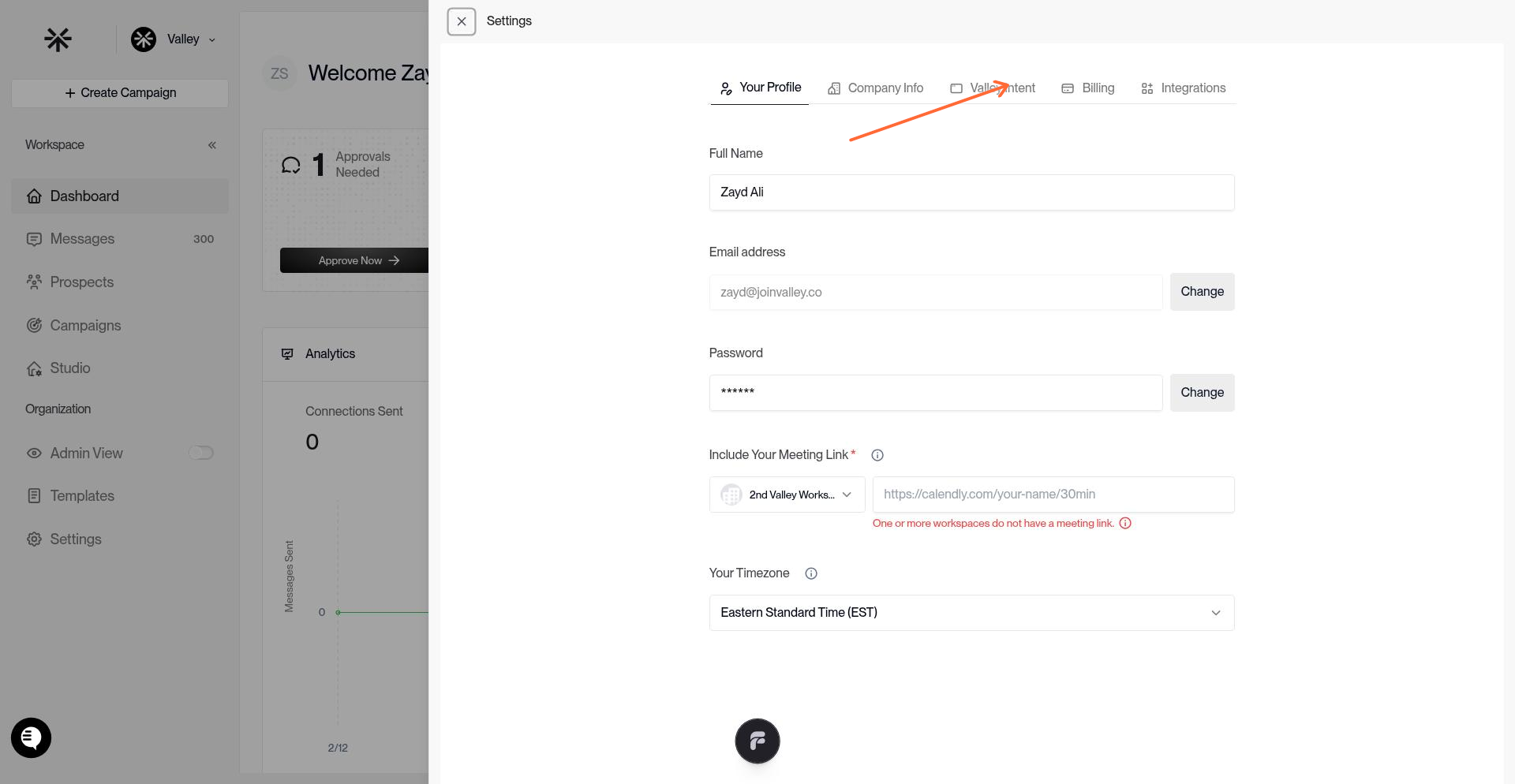
Add a Sales-Led Seat
In the Billing tab, locate the "Sales-Led Members" section. Click "Add Seat" to open the seat assignment form.
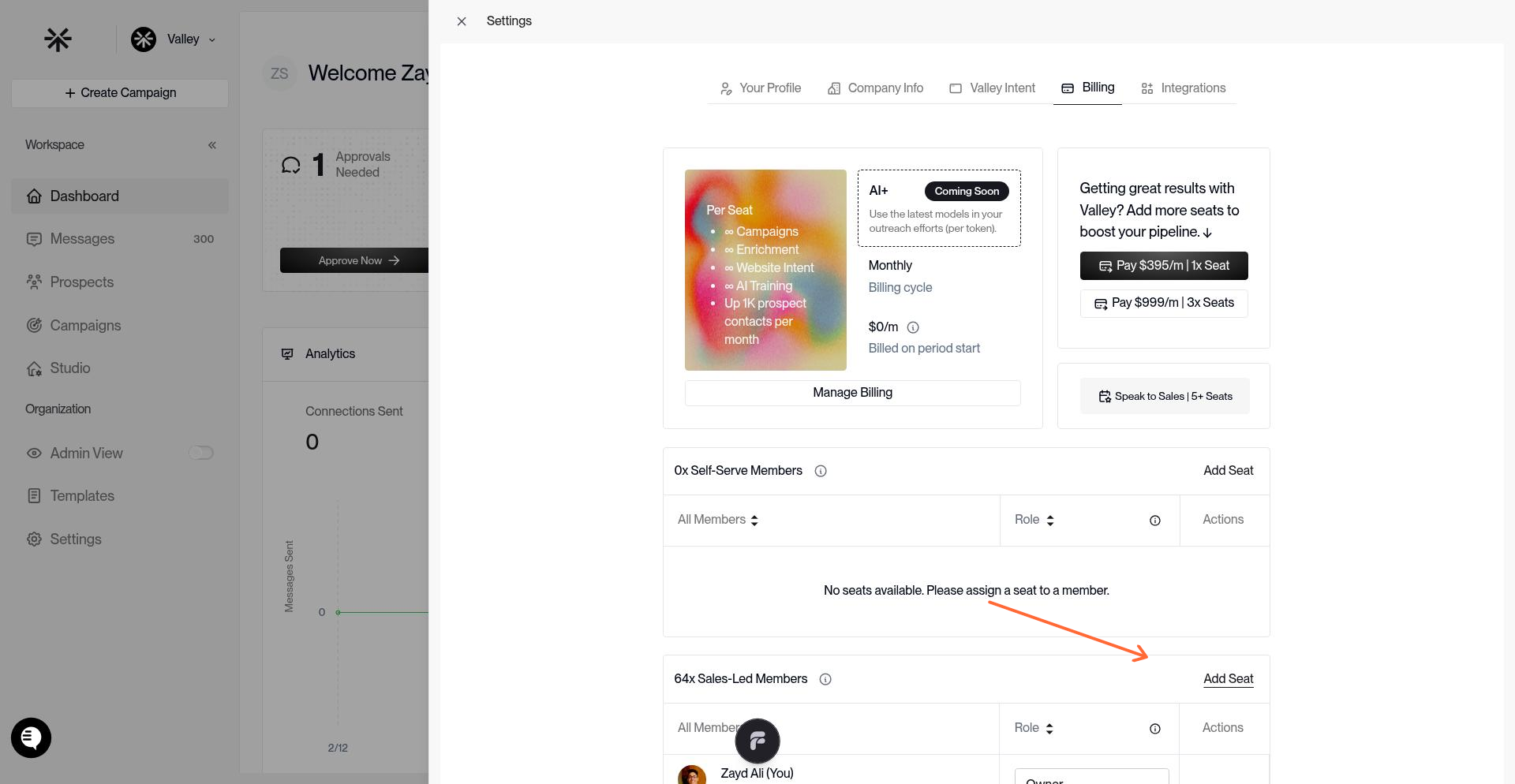
Enter the team member's email address and select their role (Admin or Member). Click "Send Invite" to send the invitation.
Sales-led seats sync to billing within 24 hours of activation. The seat isn't billable until the invited user accepts and connects their LinkedIn account.
Verify the Seat
After sending the invite, the seat appears in your Sales-Led Members list with a "Pending" status until the user accepts and connects their LinkedIn account.
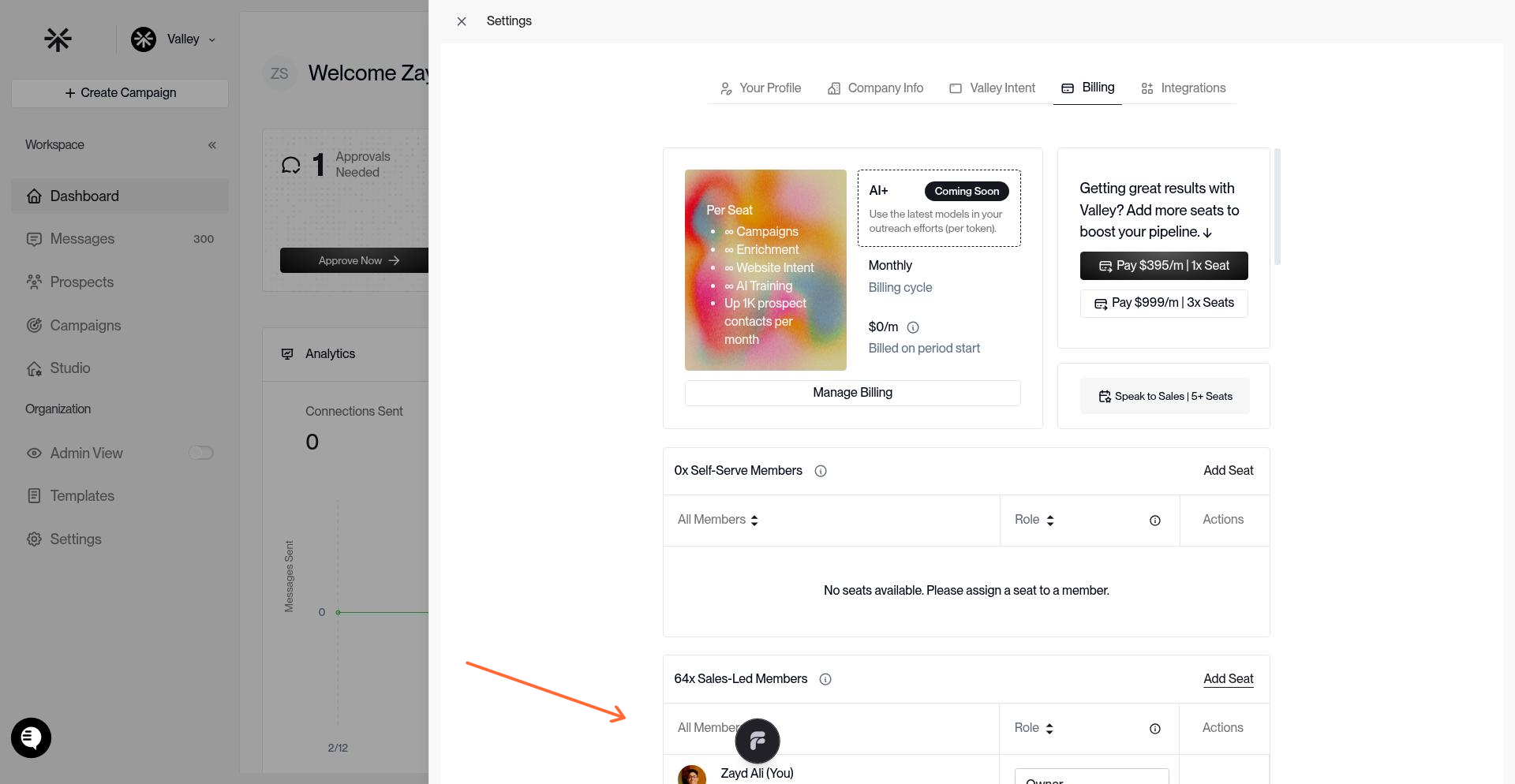
Once activated, the seat shows the user's email, role, and LinkedIn connection status. Sales-led seats are labeled separately from self-serve seats to track your sales-negotiated allocation.
Need to adjust your sales-led seat count or billing? Contact support at [email protected]