
Set Campaign Daily Sequence Volume
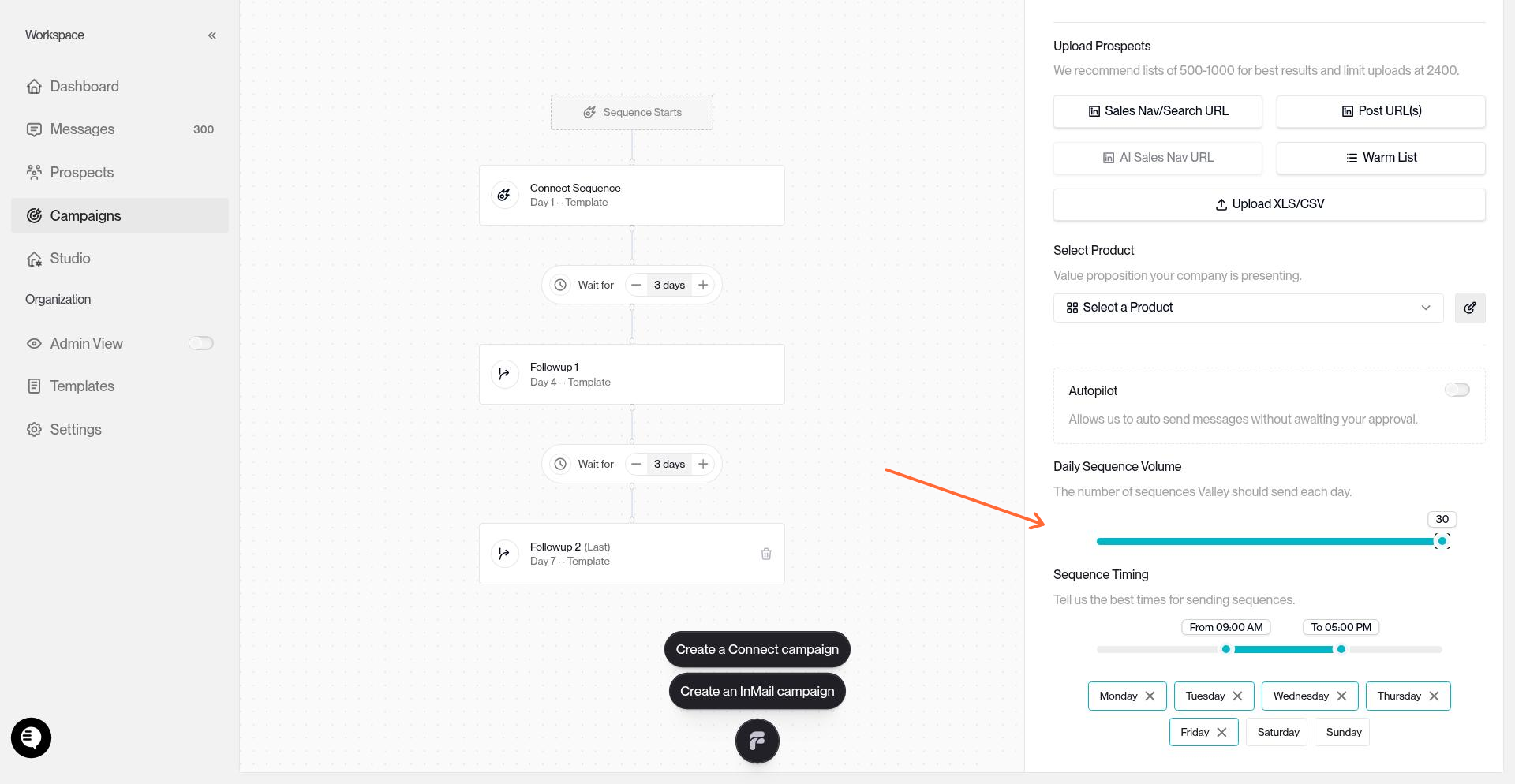
The daily sequence volume slider controls how many messages Valley sends per day for a campaign. You can adjust this from 1 to 30 messages daily.
Where to Find It
The Daily Sequence Volume slider appears in two places:
During campaign creation — In the campaign details panel on the right, below the Autopilot toggle
In campaign settings — Open any campaign, go to Settings tab, scroll to the Details section
Setting Your Daily Volume
The slider defaults to 25 messages per day for both InMail and Connect campaign— the recommended starting point for safe, natural LinkedIn activity.
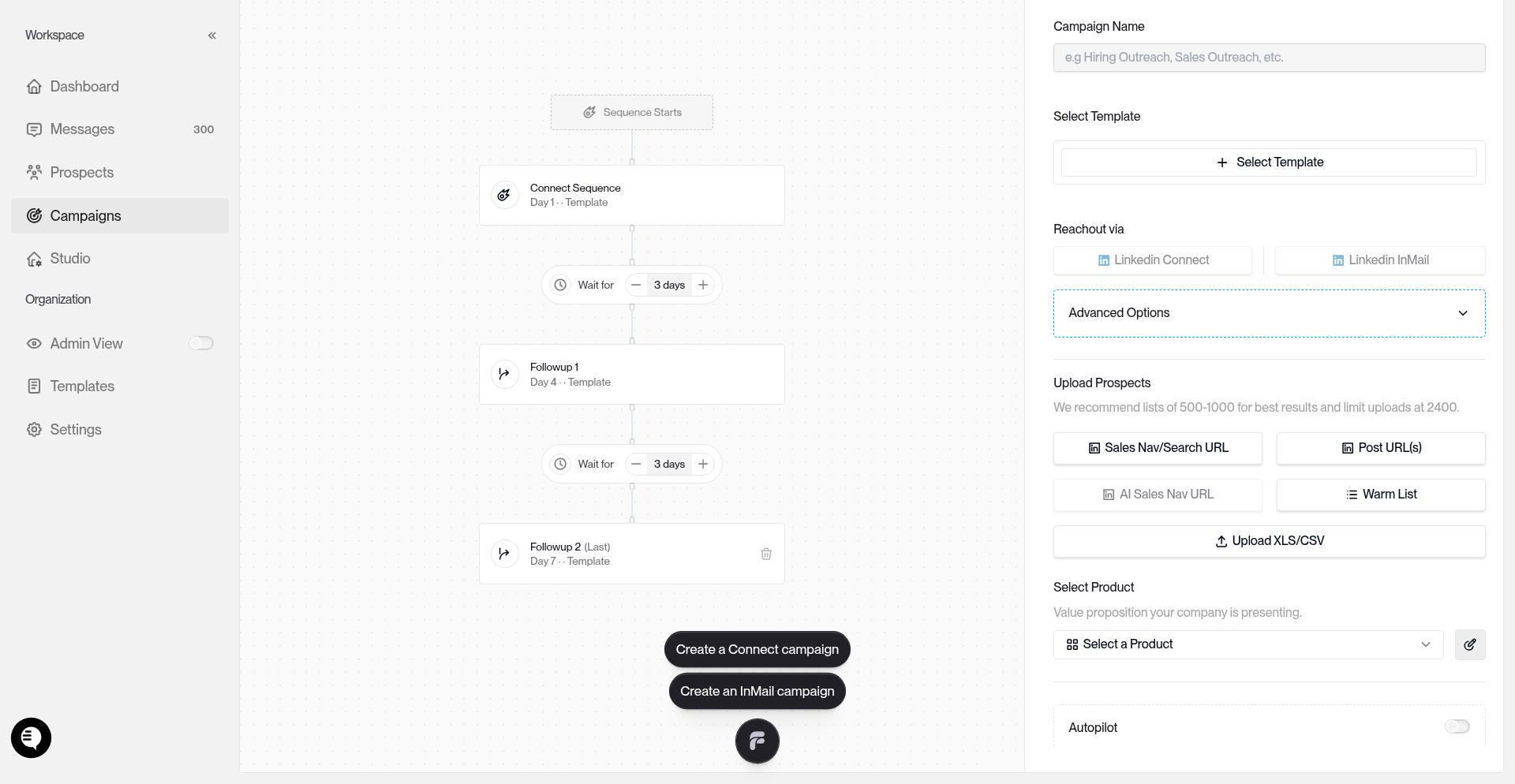
You can increase the limit up to 30 messages per day maximum. Drag the slider or click the rail to adjust.
If you run multiple campaigns, each campaign's daily volume adds toward your monthly seat limit. Keep total daily volume across all campaigns under 30 to stay well within LinkedIn's safety thresholds.
How Daily Limits Work With Monthly Seat Limits
Valley respects LinkedIn's monthly sending limits (1000–1200 messages per seat per month). Your daily sequence volume controls the pace per campaign — Valley automatically stops sending when you approach monthly limits.
For example, at 25 messages/day for 30 days, you'll send 750 messages in a month from one campaign. This leaves headroom for replies, re-engagement sequences, and other activity.
Start at 25/day. If you need more volume, add a second campaign or upgrade to more seats rather than maxing out one campaign's daily limit.